.png)
This page explains each User Management notification that is configurable in the Notifications tile. Most of these notifications are sent to new users when their TMV account is created.
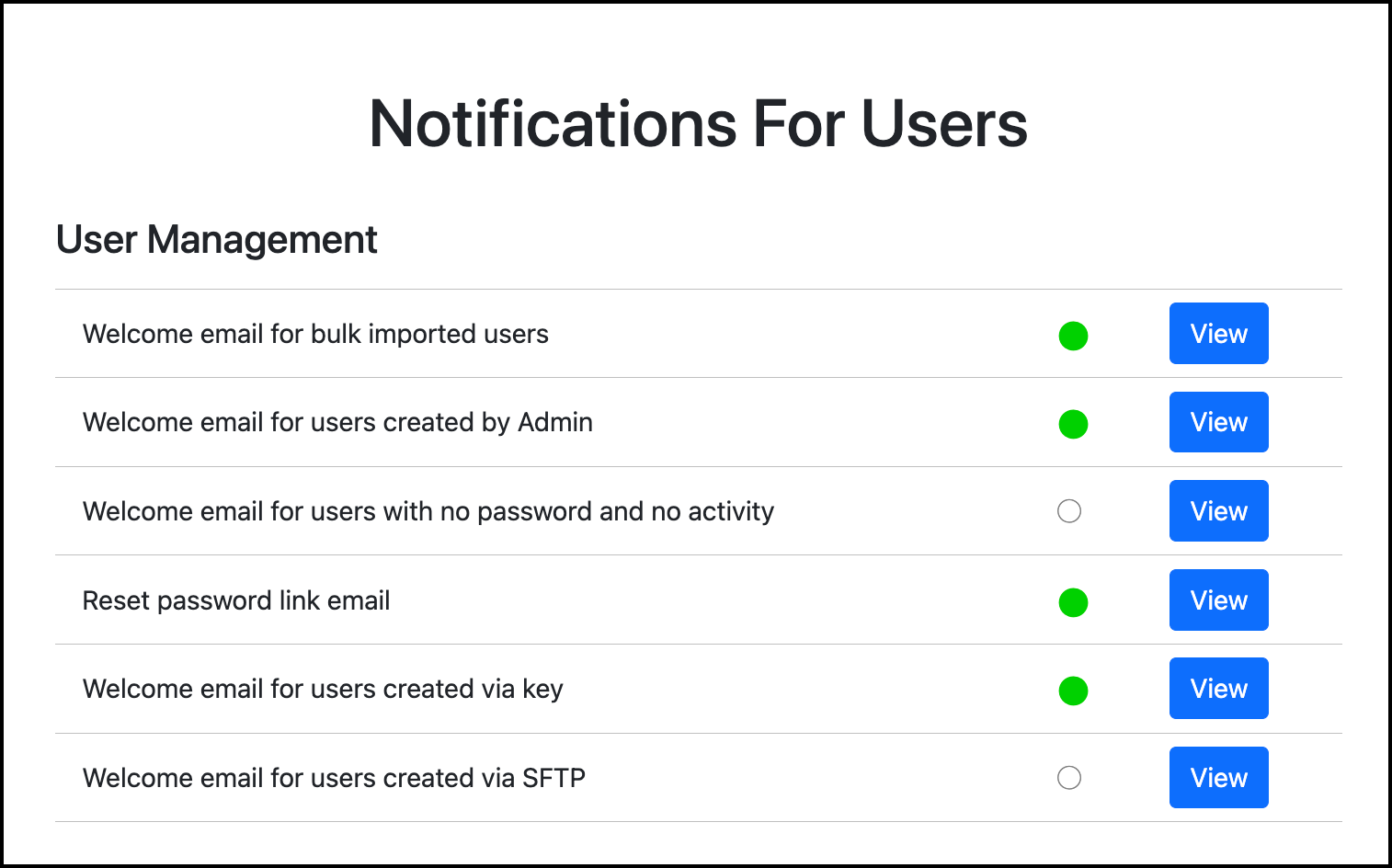
Reset password link email
This notification is sent to users when they request to reset their password because they are unable to log in. We encourage you to use the Default Content for this notification.
This notification must always be enabled with content to allow users to reset their passwords.
Welcome email for bulk-imported users
This email is sent to users after their TMV account has been created via the Bulk User Import process.
Welcome email for users created by Admin
This email is sent to a user after their TMV account has been created manually within User Management.
Review how to create an account for a single user.
Welcome email for users with no password and no activity
This email is sent to a user if prompted by an admin within User Management. The Prompt button displays for a user when they have never signed in to TMV.

Welcome email for users created via key
This email is sent to a user after they create their TMV account using a registration key.
Review how to create Registration Keys.
Welcome email for users created via SFTP
This email is sent to users whose TMV accounts were created by a new SFTP user management file. Since these users did not create the account themselves, this notification should inform them of what TMV is and why their account was created.
Example Content
Welcome to TrackMy Verivax
Your organization has created a TrackMy Verivax account for you. TrackMy Verivax supports seamless compliance tracking for healthcare workers.
To log in to your TrackMy Verivax account, click the URL below and select Single Sign On.
[Insert your TMV URL]
Contact [Employee Health contact name with email / phone number] with any questions or concerns.
This is an automated message from TrackMy VeriVax. Please do not reply to this email.