.png)
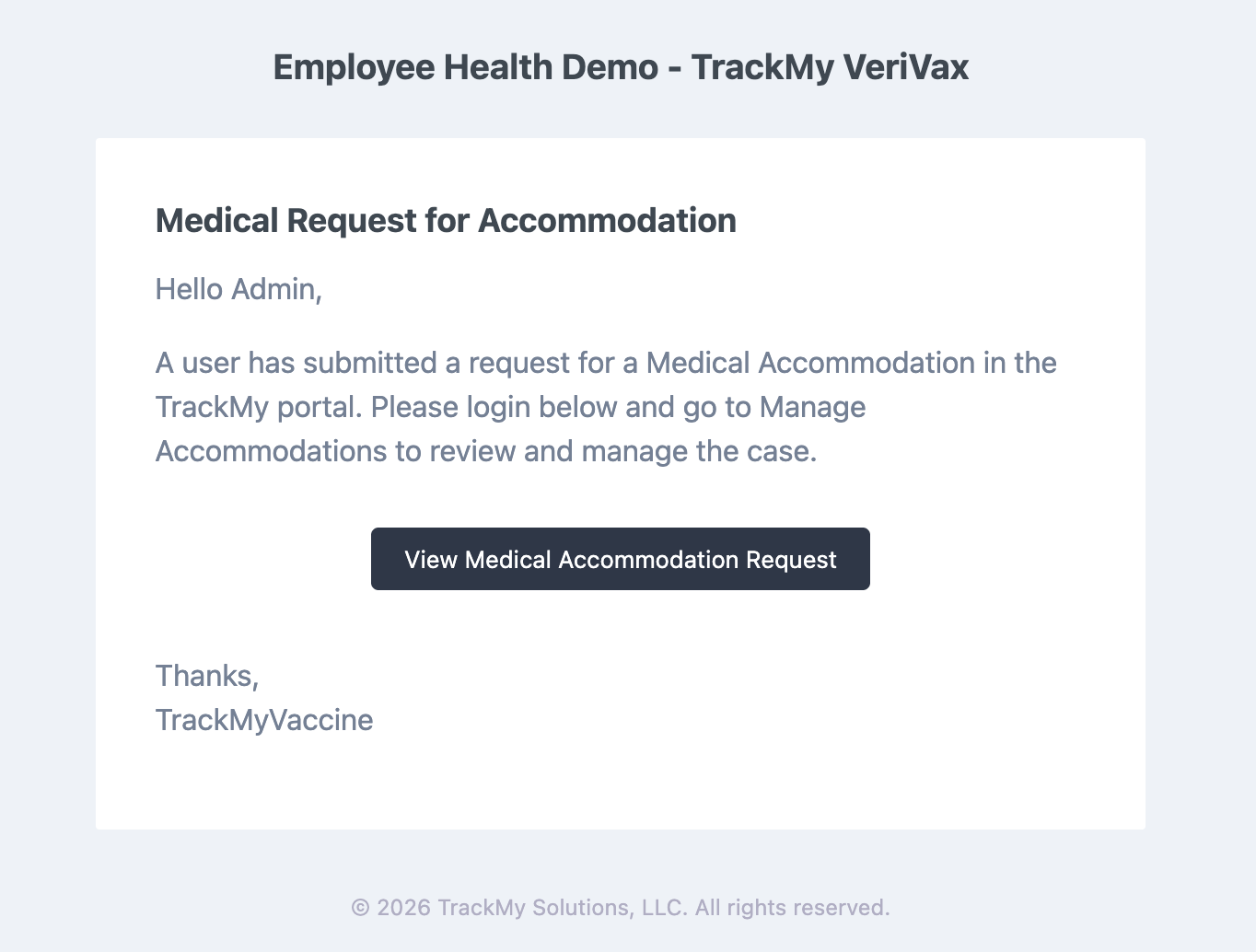
An automatic notification is sent to an admin email address every time a participant submits an accommodation request form. This notification cannot be turned off. The recipient email address is entered in the accommodation request form builder. While an email address is required there, you can enter a dummy email address to avoid receiving this notification.
Example of the notification:
To manage the email address to which an accommodation submission notification is sent:
-
Go to the Manage Accommodations and Declinations tile.
-
Select the accommodation form.
-
Edit the email address entered in the field.
If you do not want anyone to receive the notification, enter a dummy email here.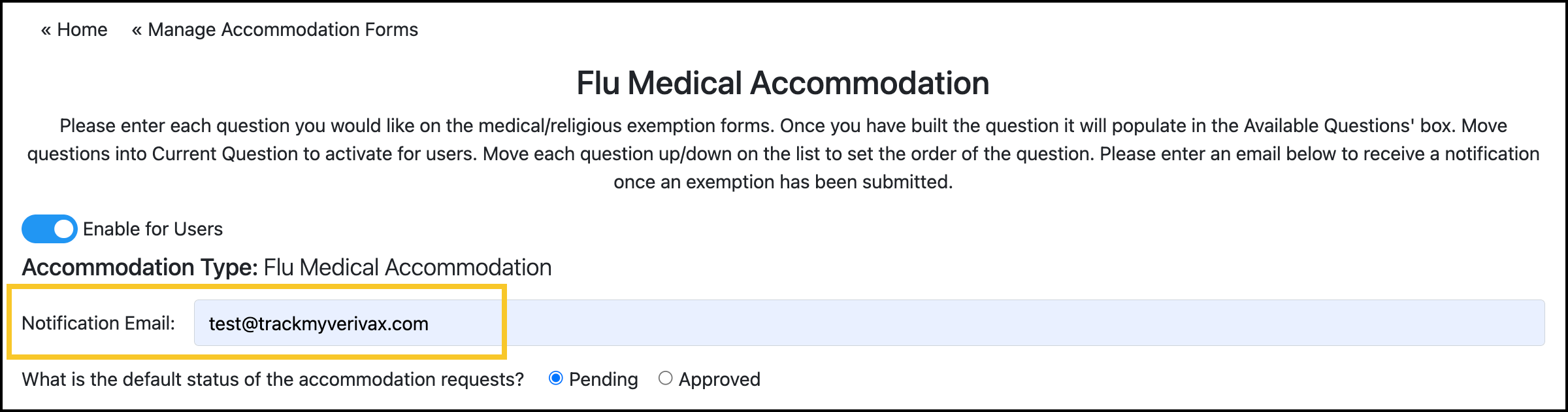
-
Save the accommodation request form.