.png)
The general communication interface allows you to send a communication to a single person or group of participants.
To send a general communication, you must have at least one ‘General’ custom communications template built. Review how to build a communication template here.
How to send a general communication
-
Go to the Administration tile.
-
Under Configuration, go to Custom Communications.
-
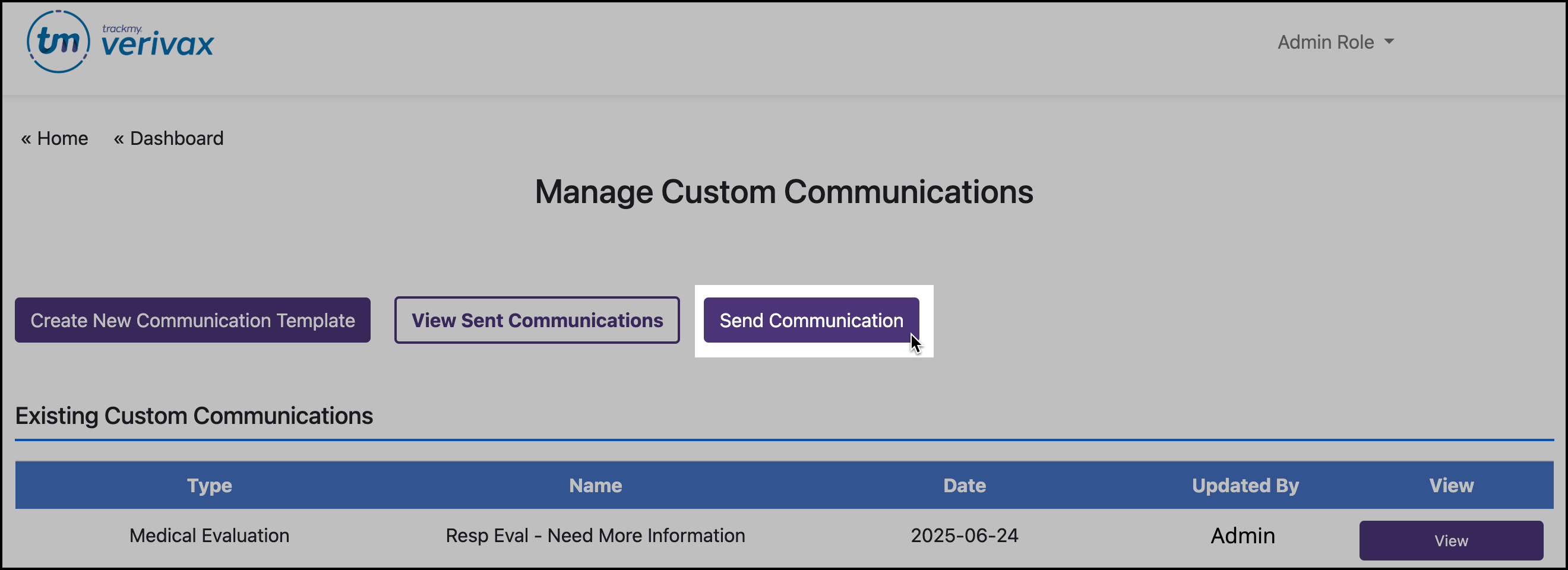
Click Send Communication.
-
Use the filters to create the group of participants to send the communication to. Or, enter a name/email to send the communication to a single participant.
-
Click Start Communication.
-
Select template.
-
Review communication content and recipient(s) before sending.
Participants cannot reply to any communication sent from this interface.