.png)
Any test record in TMV can be deleted by clinical users with the required permission.
Administrative Group permission required to delete tests
Search for patient - Delete lab test
Delete a test
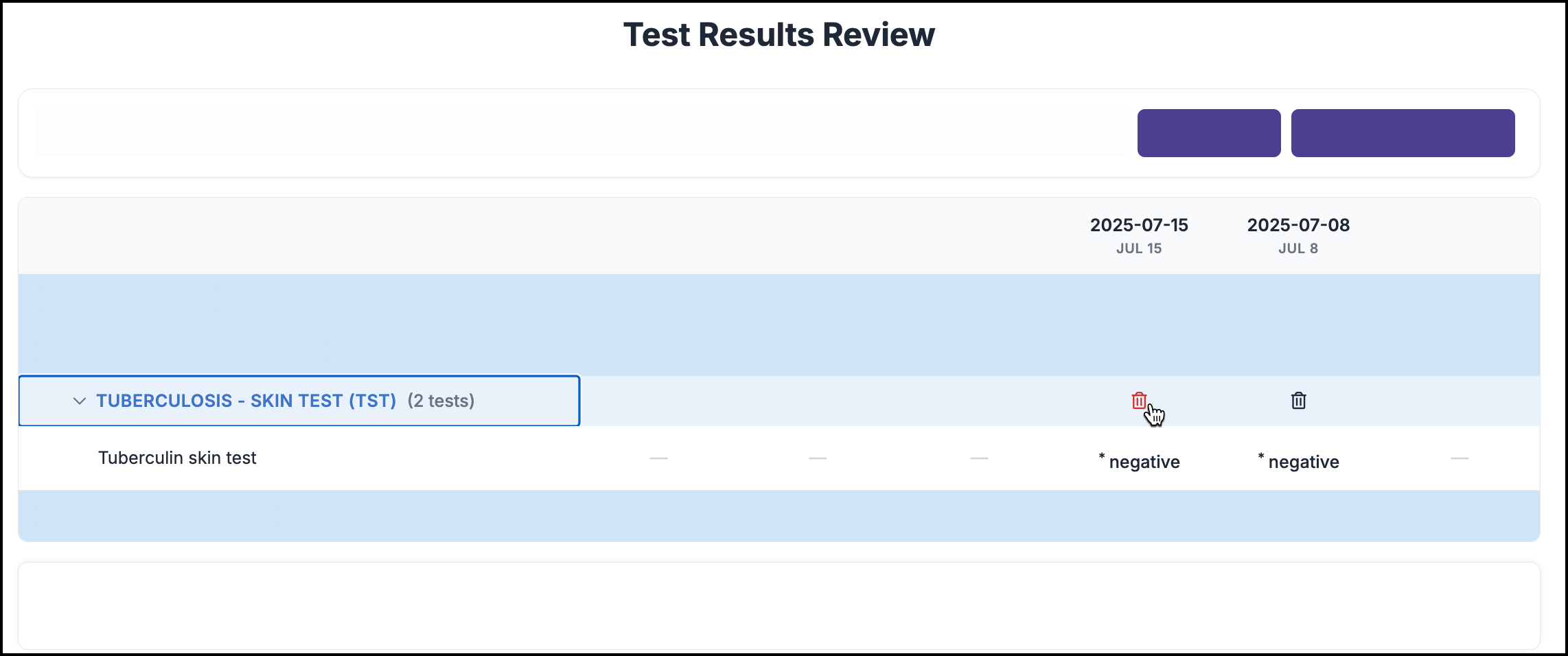
Deleting a test removes all results tied to that test on that date, and cannot be undone.
To delete a test from a patient’s chart:
-
In the Clinical role, go to Search for Patient
-
Search for the patient
-
Click Tests
-
Select Test Result History
-
Find the test record in the patient’s test result history
-
Click the Delete Icon above the reported result value
-
Confirm to complete deletion
When multiple results are reported for the same test on the same day, you will select which result(s) to delete after clicking the Delete Icon.