.png)
This guide explains how to bulk import historic vaccine dose records for your participants.
All users included in this file must already have accounts in TMV.
To bulk import historic vaccine dose records:
-
In your TrackMy admin/clinical portal, go to Manage Vaccines:

-
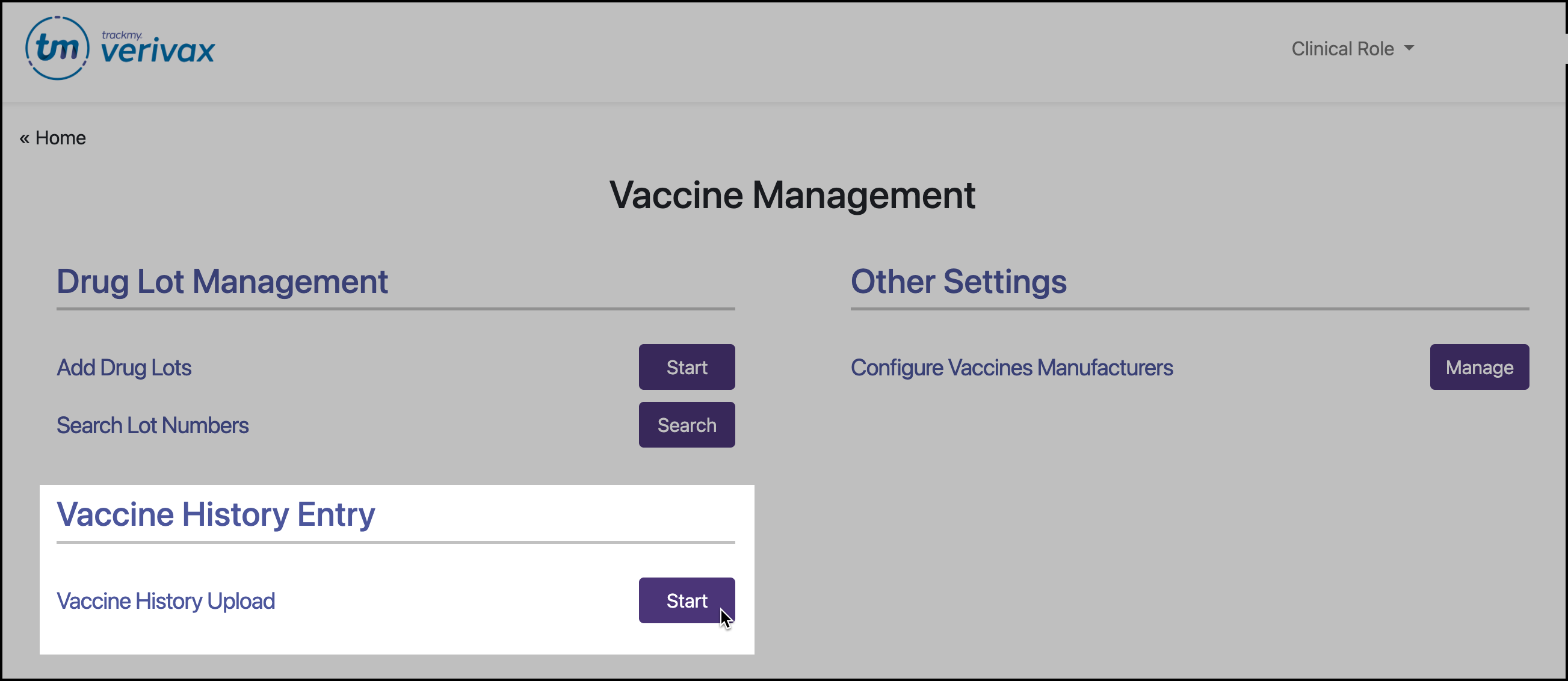
Under Vaccine History Entry, click Start for Vaccine History Upload:
-
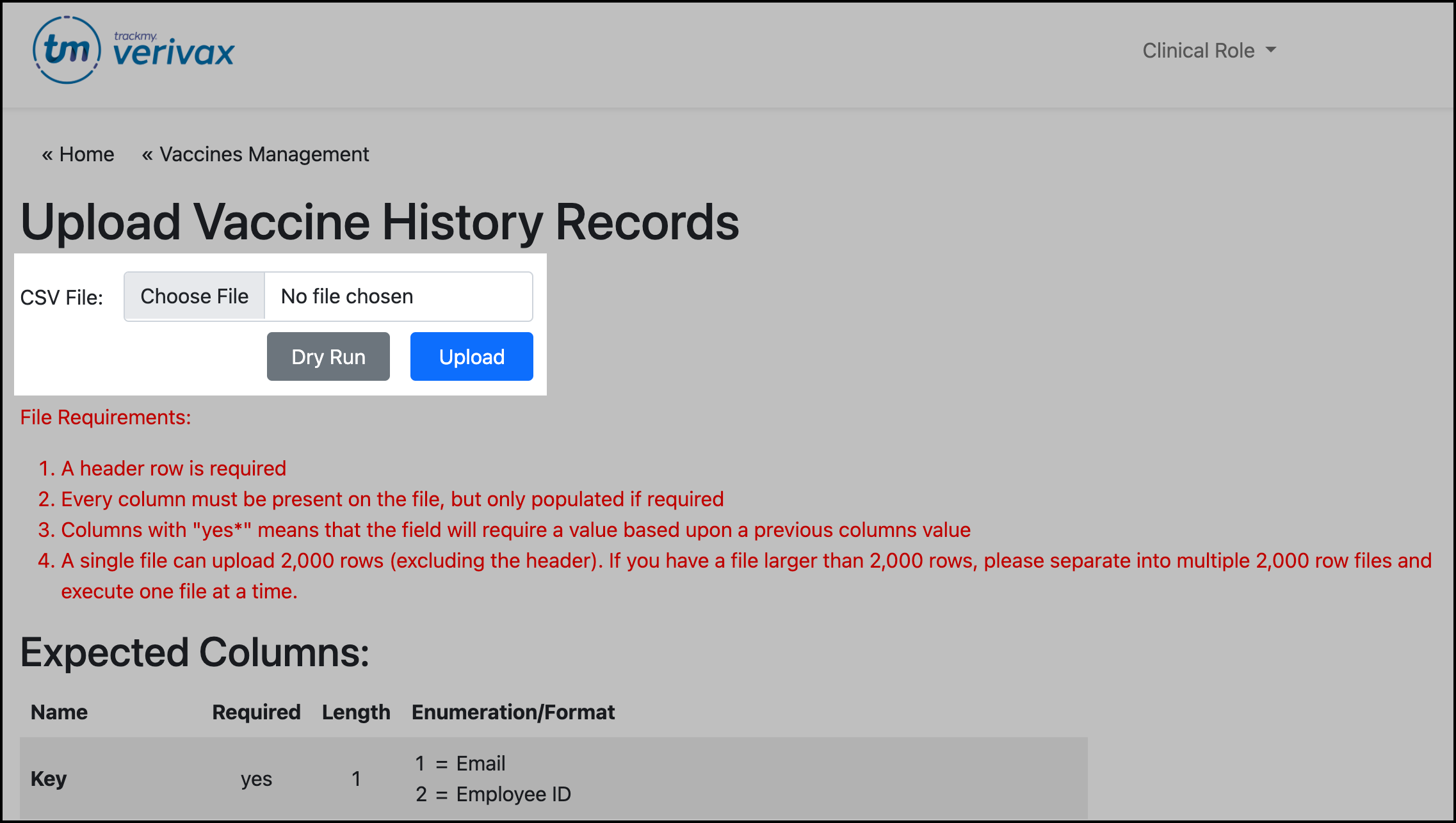
Review the File Requirements and Expected Columns to understand what information is required and how to format it.
-
You can use the following CSV template to create the import file. Open this file in any spreadsheet editor:
This example file uses the key=1 option.
Vaccine History Upload Example.csv -
When finished, save as a CSV file.
-
Click Choose File to upload the file:
-
Click Dry Run to check the file for errors.
-
If there are errors, review the error file and resolve the errors. Perform another dry run to check the new file.
-
-
When there are no errors, click Upload for the file.
If you see an error page after attempting to upload your file, you may be trying to upload a file that is not a CSV file. Only CSV file types are accepted, and others result in an error screen.